🚚 Free Worldwide Shipping on All Orders!Shop Now
1 / 2
FunKey
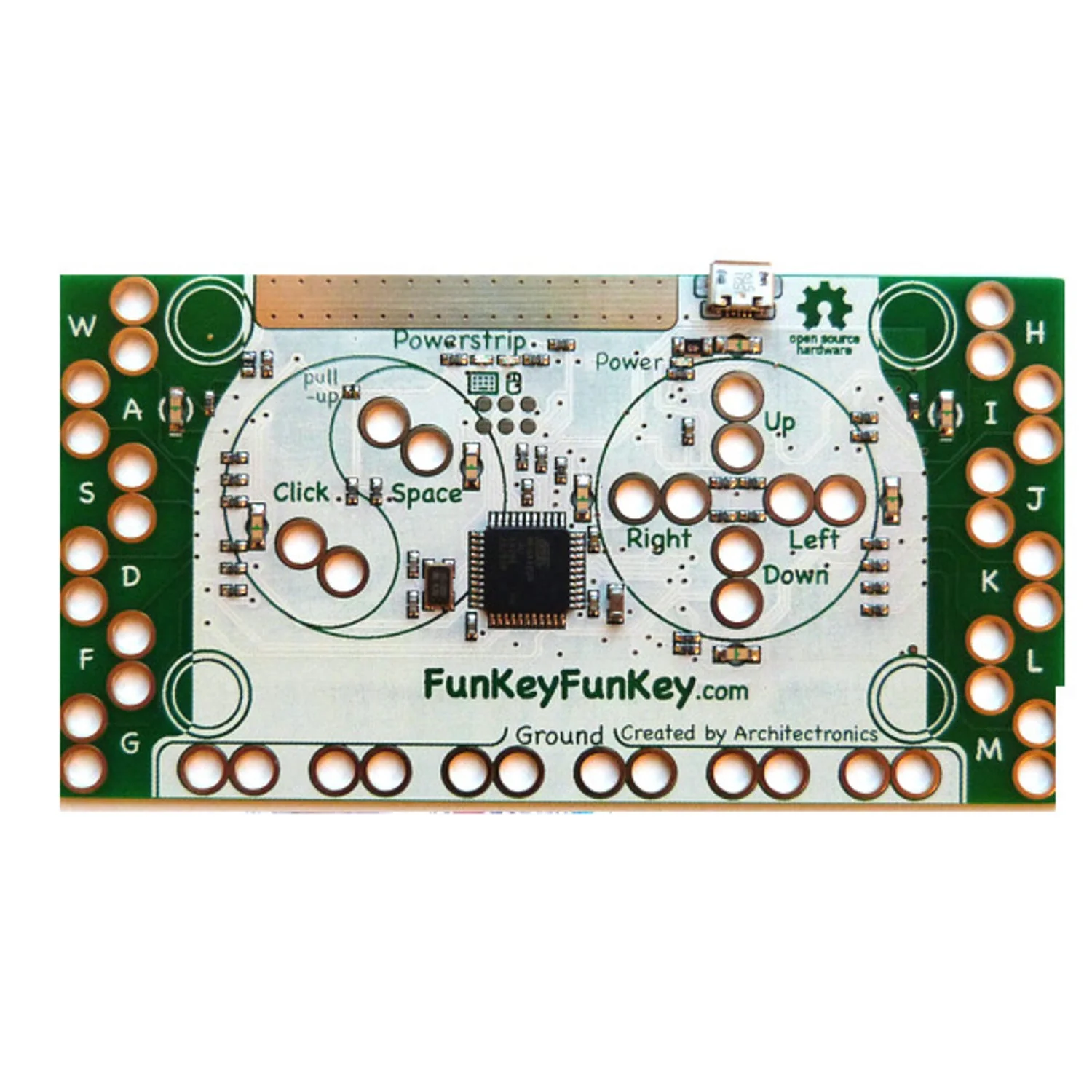
FunKey is a new product series from Architectronics that extends the functionality of another familiar touch board and is better designed, more affordable and simpler to use.
FunKey Simple:
- 18 keystrokes
- easily reconfigured to any keystrokes using simple app
- all alligator, no "headers"
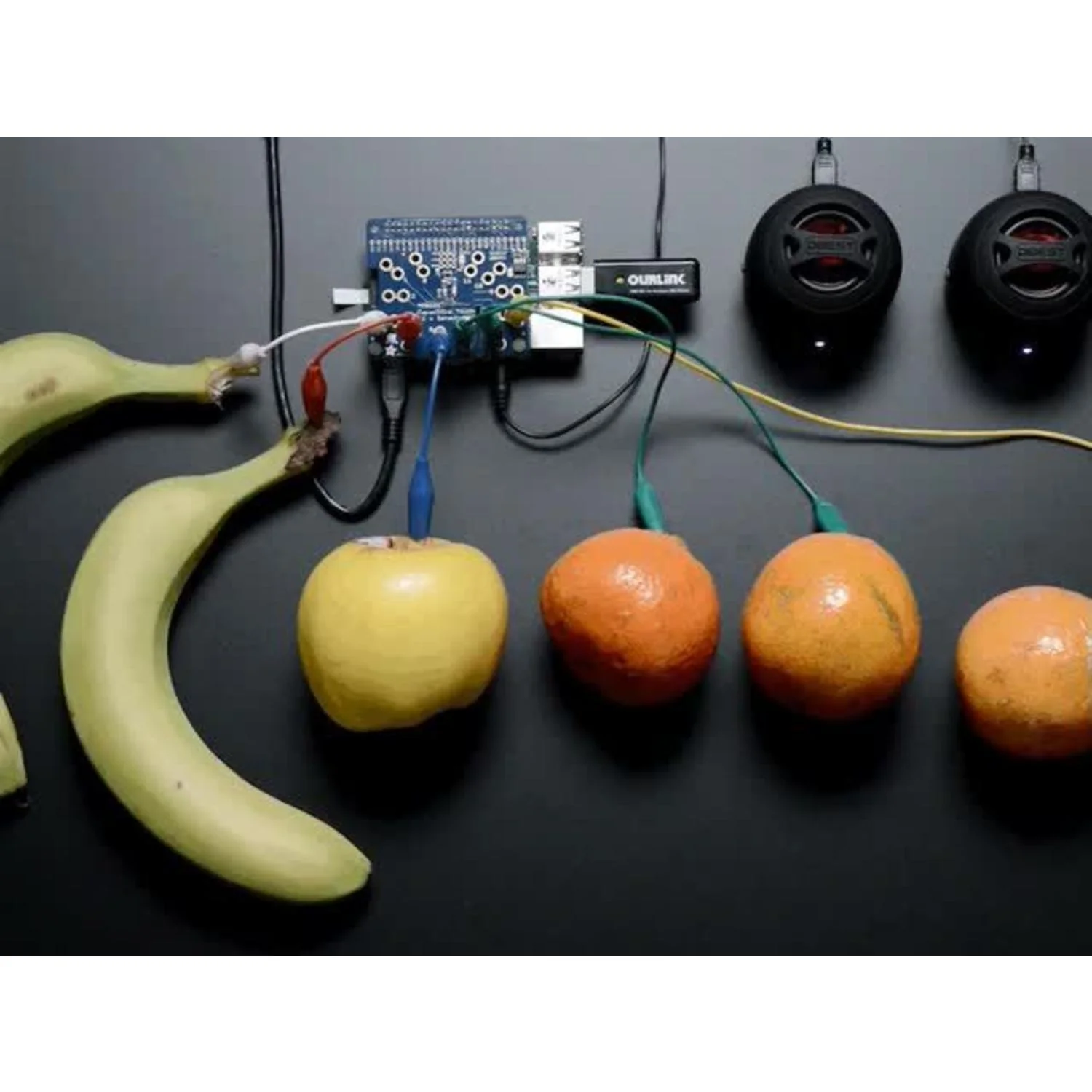
- touch sensitive using finger, aluminum foil, fruit, etc.
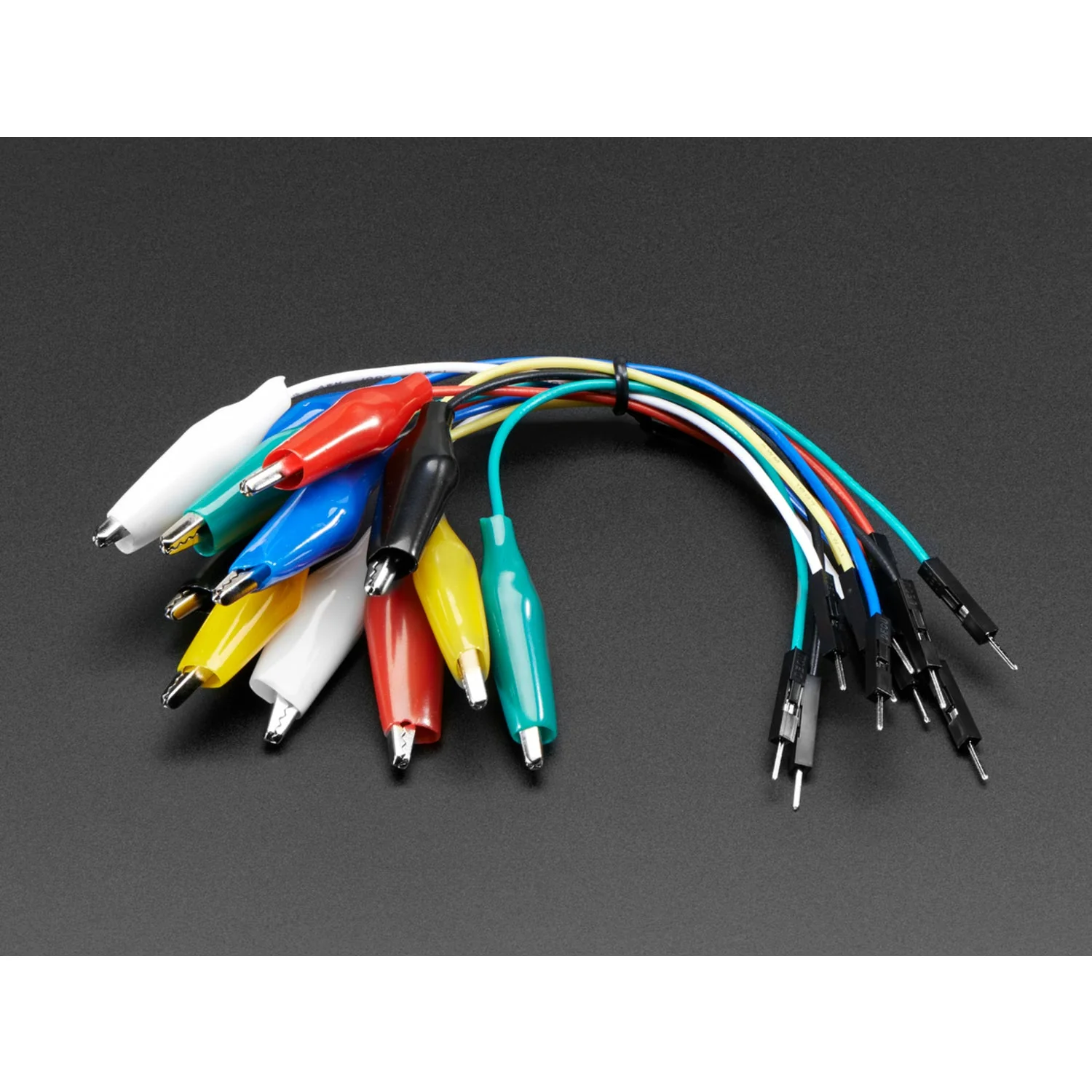
To get the most out of the FunKey, you will also need a set of Alligator Clips and Micro-B cable.
Try this neat trick to reprogram the keys assignments!
- with the board unplugged from the USB
- use one alligator clip to connect the up and down holes
- use another alligator clip to connect the left and right holes
- plug in the board to the USB
- on a Mac, you should see a clickable menu appear in the upper right (need to test on PC)
- click on it to take you to the reconfiguration app
- choose any keystroke for any of the 18 hole pairs on the board, as in the image that appears
click "program" - it should have the new set of keystrokes in its memory, and stay that way unless reprogrammed again
$3.18
Original: $10.59
-70%FunKey—
$10.59
$3.18Product Information
Product Information
Shipping & Returns
Shipping & Returns
Description
FunKey is a new product series from Architectronics that extends the functionality of another familiar touch board and is better designed, more affordable and simpler to use.
FunKey Simple:
- 18 keystrokes
- easily reconfigured to any keystrokes using simple app
- all alligator, no "headers"
- touch sensitive using finger, aluminum foil, fruit, etc.
To get the most out of the FunKey, you will also need a set of Alligator Clips and Micro-B cable.
Try this neat trick to reprogram the keys assignments!
- with the board unplugged from the USB
- use one alligator clip to connect the up and down holes
- use another alligator clip to connect the left and right holes
- plug in the board to the USB
- on a Mac, you should see a clickable menu appear in the upper right (need to test on PC)
- click on it to take you to the reconfiguration app
- choose any keystroke for any of the 18 hole pairs on the board, as in the image that appears
click "program" - it should have the new set of keystrokes in its memory, and stay that way unless reprogrammed again