Octopus DS18B20 Digital Temperature Brick
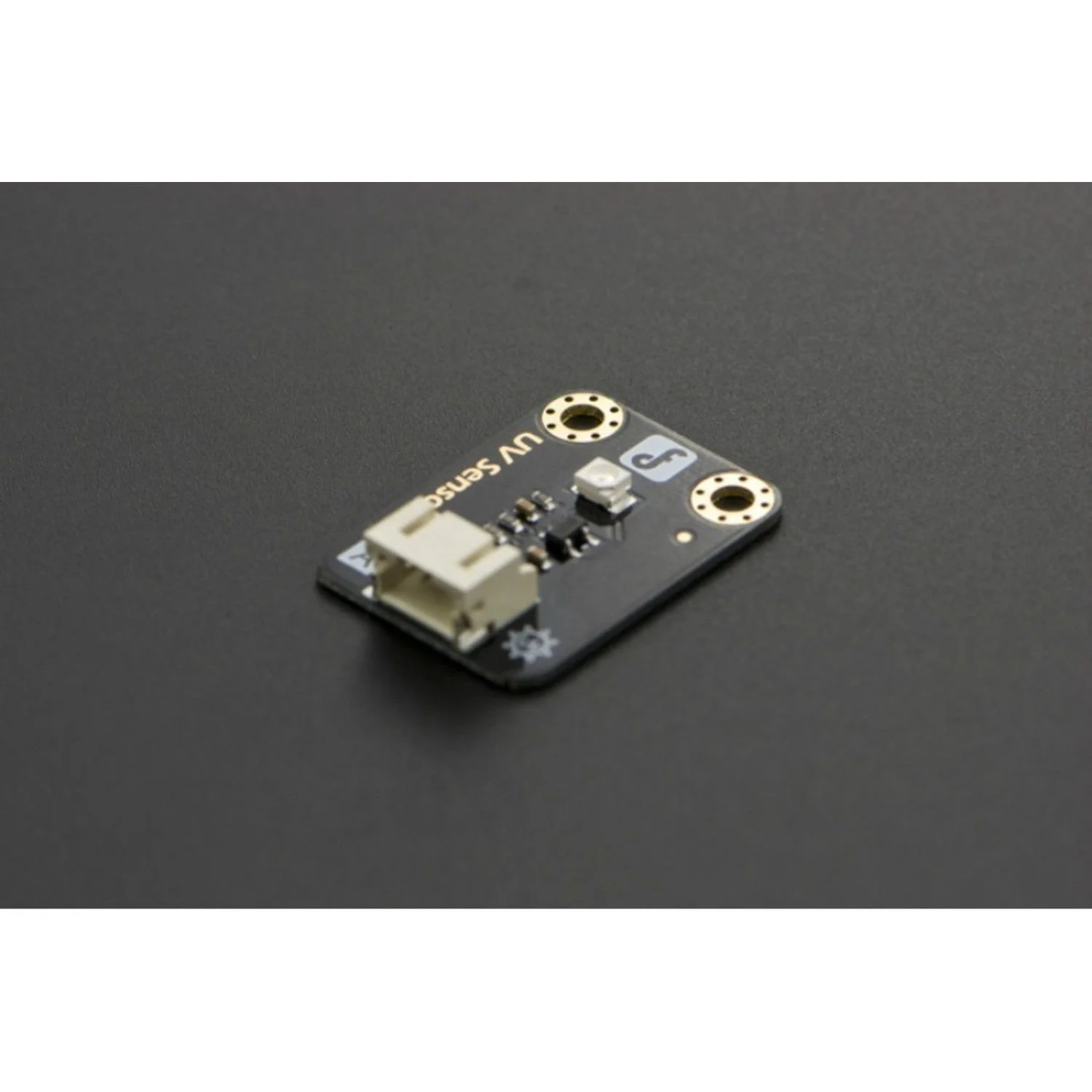
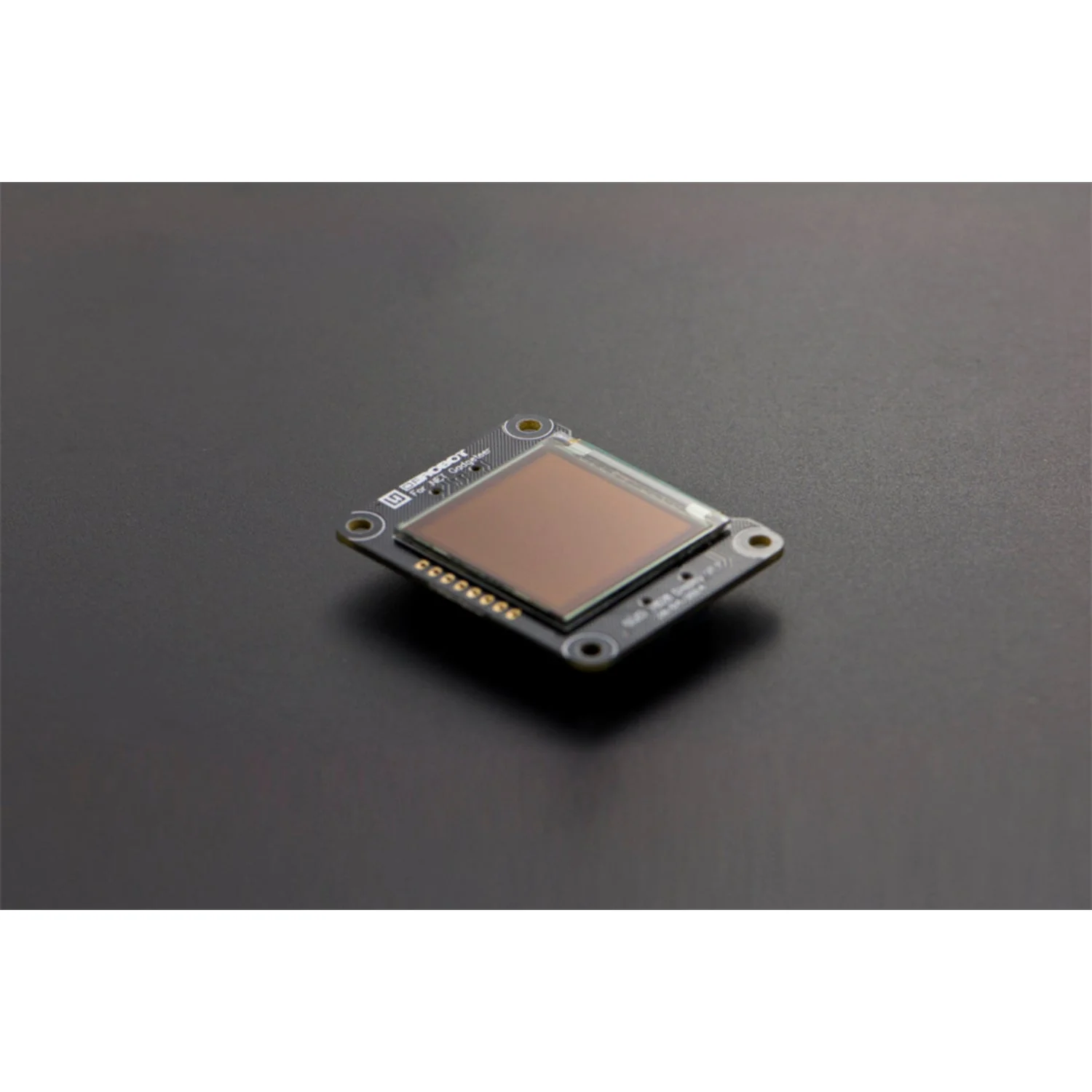
The Octopus DS18B20 Digital Temperature Brick uses the DS18B20 1-Wire digital temperature sensor from Maxim IC to deliver accurate readings from −55 °C to +125 °C with ±0.5 °C accuracy. Each sensor has a unique 64-bit serial number, allowing multiple sensors to share a single data bus.
Designed for the ElecFreaks Octopus:Bit ecosystem, this brick plugs directly into the P1 port and works with Microsoft MakeCode for micro:bit programming.
Key Features
- DS18B20 1-Wire Sensor – 9- to 12-bit configurable resolution
- Wide Range – −55 °C to +125 °C with ±0.5 °C accuracy
- Unique 64-Bit Serial Number – Run multiple sensors on a single data bus
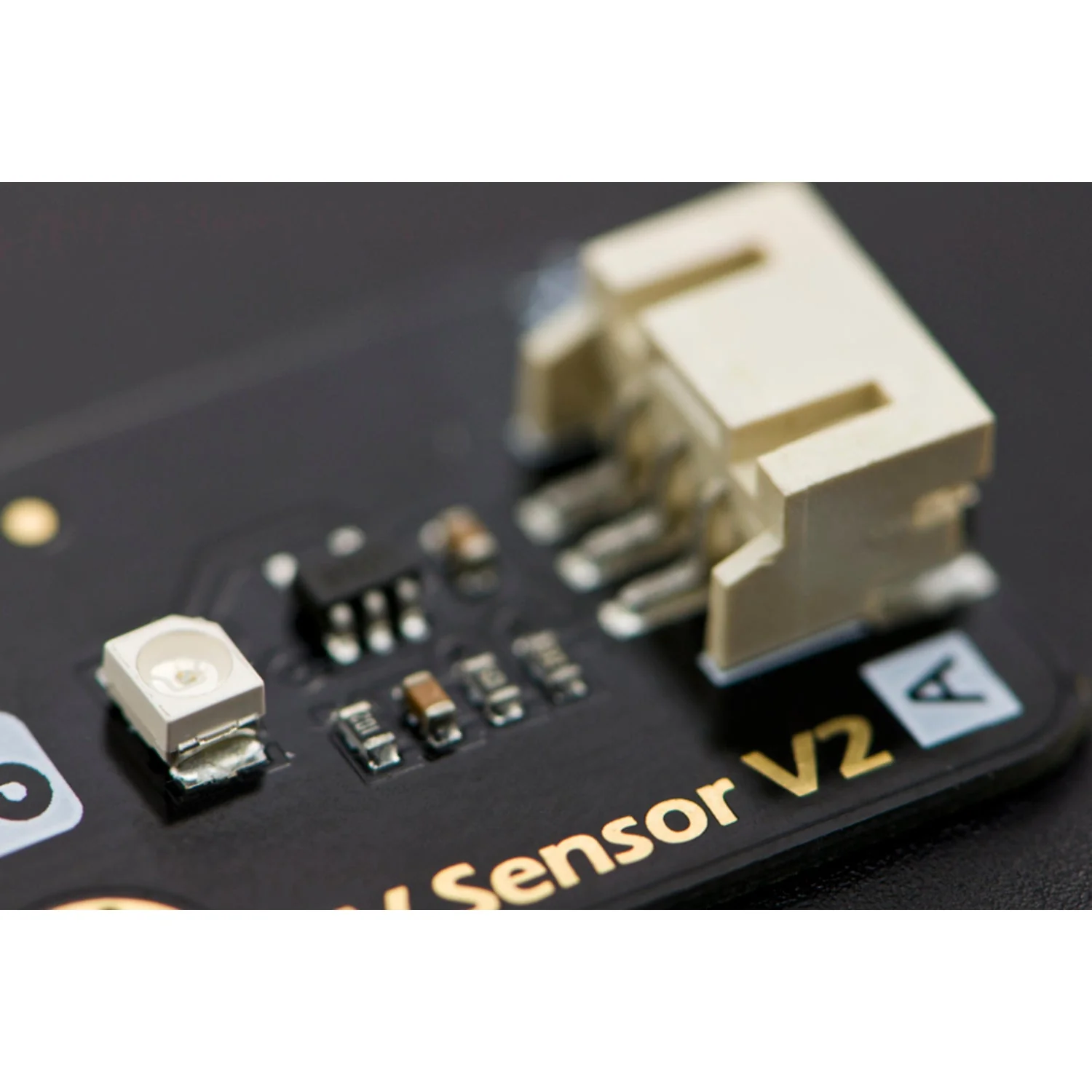
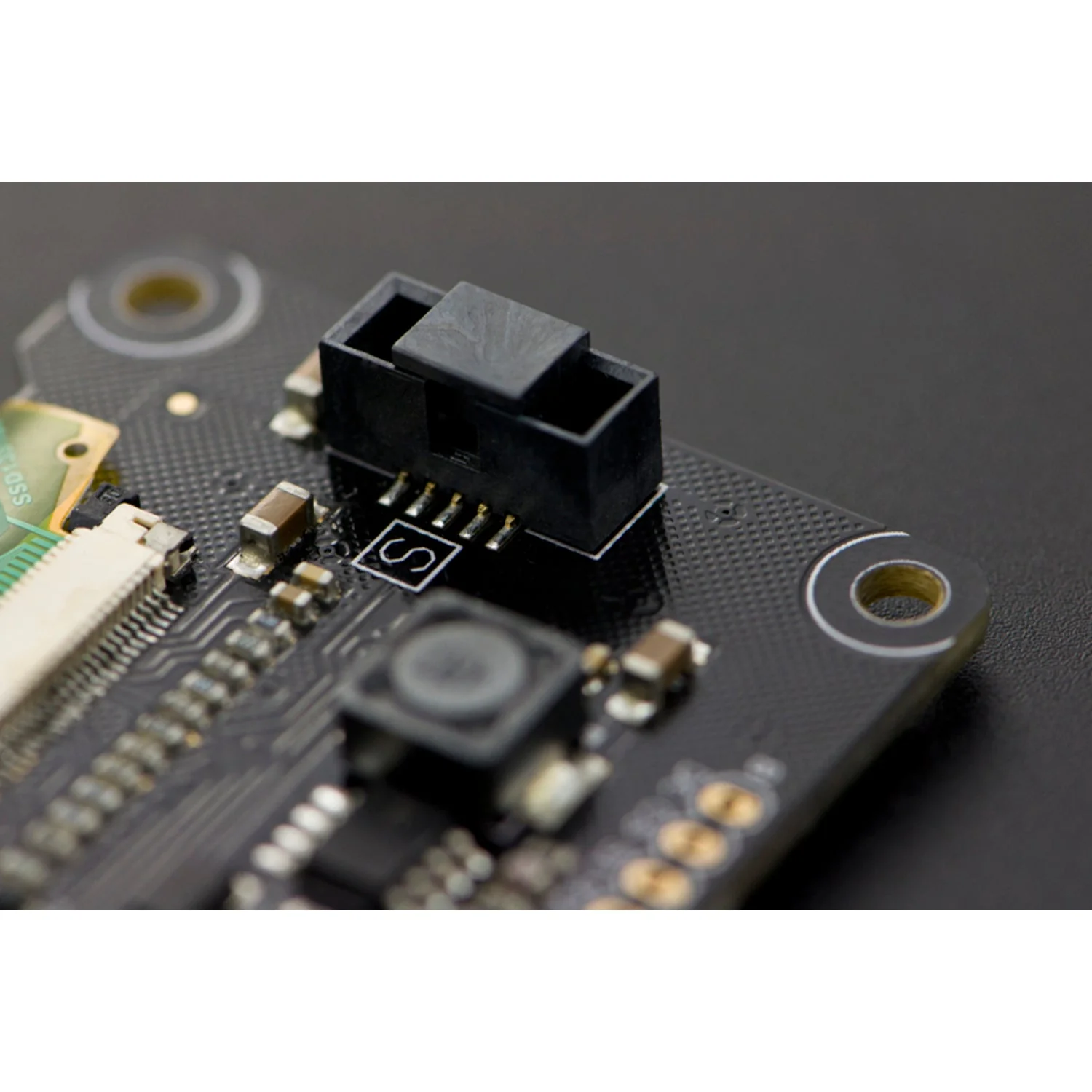
- Octopus Brick Interface – 3-pin connector for easy plug-and-play wiring
- micro:bit Compatible – Programme via MakeCode with the DS18B20 package
Getting Started with micro:bit
- Connect the brick to port P1 on your Octopus:Bit breakout board
- In MakeCode, click Extensions and search for
https://github.com/Tinkertanker/pxt-ds1820-temperature-sensor - Add the package and use the temperature blocks in your programme
Ideal For
- micro:bit weather stations and environmental monitoring
- Arduino temperature logging projects
- Multi-sensor 1-Wire networks
Resources
Original: $10.24
-70%$10.24
$3.07Product Information
Product Information
Shipping & Returns
Shipping & Returns
Description
The Octopus DS18B20 Digital Temperature Brick uses the DS18B20 1-Wire digital temperature sensor from Maxim IC to deliver accurate readings from −55 °C to +125 °C with ±0.5 °C accuracy. Each sensor has a unique 64-bit serial number, allowing multiple sensors to share a single data bus.
Designed for the ElecFreaks Octopus:Bit ecosystem, this brick plugs directly into the P1 port and works with Microsoft MakeCode for micro:bit programming.
Key Features
- DS18B20 1-Wire Sensor – 9- to 12-bit configurable resolution
- Wide Range – −55 °C to +125 °C with ±0.5 °C accuracy
- Unique 64-Bit Serial Number – Run multiple sensors on a single data bus
- Octopus Brick Interface – 3-pin connector for easy plug-and-play wiring
- micro:bit Compatible – Programme via MakeCode with the DS18B20 package
Getting Started with micro:bit
- Connect the brick to port P1 on your Octopus:Bit breakout board
- In MakeCode, click Extensions and search for
https://github.com/Tinkertanker/pxt-ds1820-temperature-sensor - Add the package and use the temperature blocks in your programme
Ideal For
- micro:bit weather stations and environmental monitoring
- Arduino temperature logging projects
- Multi-sensor 1-Wire networks